
Customer-first start: why visibility matters
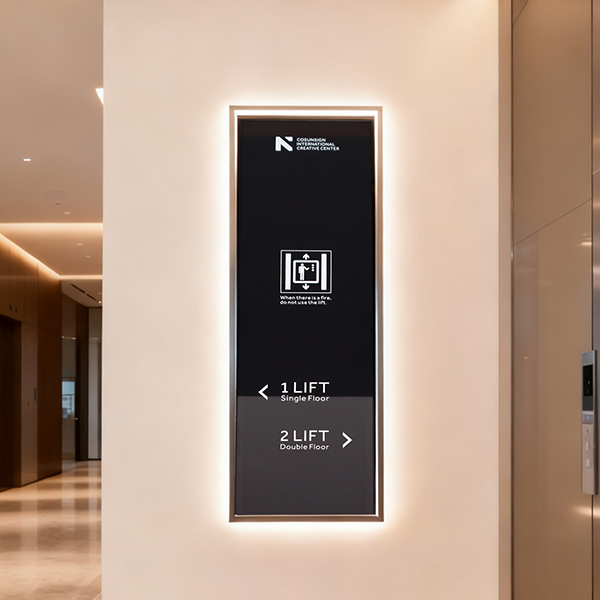
Retail managers want customers to see the right thing at the right moment. For multi-location brands, that’s hard — different stores, different foot traffic, different local needs. A focused approach to custom signage and digital signage improves consistency and drives local relevance. Think of Changi Airport: clear displays keep millions moving smoothly — simple, reliable, and predictable. That kind of reliability is what stores need.
Common user problems across many locations
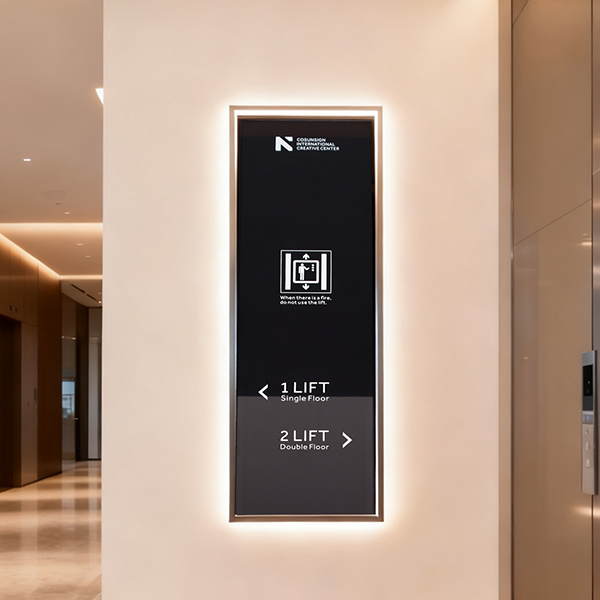
Shops lose sales when messaging is inconsistent or screens stutter. Staff spend time updating each store. Campaigns run late. Customers miss promotions. Loss of loyalty happens slowly. Networked screens can fix many of these, but only if you match hardware, playback software, and content strategy to real needs.

What high-performance retail digital signage does
Good systems do three things well: deliver timely content, adapt to local context, and stay reliable. A content management system (CMS) lets headquarters push campaigns and local managers schedule regional offers. LED display panels show brighter, cleaner images under mall light. Interactive kiosk stations invite engagement for upsell. Add wayfinding — wayfinding signage — and customers find stores faster, reducing friction in big complexes.
Practical rollout steps for multi-location brands
Start with a small pilot. Choose 2–4 stores that represent your range: high traffic, low traffic, urban, suburban. Then scale with these steps:
– Audit current signage hardware and network capacity.
– Pick a CMS and playback software that supports scheduling and remote monitoring.
– Standardize templates for core messages, but allow local zones for store-level content.
– Train local staff for quick fixes and first-line troubleshooting.
This phased path keeps capital sensible and reduces downtime. Remote monitoring stops small issues from becoming big outages — and that saves real money.
Design and content tactics customers notice
Use short, readable copy. High-contrast images on LED display beat busy photos. Time promotions to footfall patterns — morning offers for commuters, weekend promos for families. Interactive kiosk content should be fast: two taps to checkout, not six. For wayfinding signage, prioritize the most common origin points inside a mall — entrances, transit stops, elevator banks. Keep icons consistent across screens for instant recognition.
Common mistakes to avoid
– Overloading templates with too many messages; customers glance only seconds.
– Buying cheapest hardware and then paying more in maintenance.
– Treating content as afterthought rather than part of capital planning.
These errors slow ROI. Fixing them early keeps the rollout under budget and on time — and it keeps customers returning.
Three golden rules for choosing the right system
1) Measure uptime and service terms first. Expect 99%+ availability for retail peak hours — that metric predicts real performance. 2) Choose a CMS with region-level control and analytics. You need deployment speed and content feedback. 3) Match hardware to environment: indoor LED panels for bright malls, tempered interactive kiosk for outdoor plazas. These rules cut risk and let you reallocate capital where it counts.
Final thought and brand fit
Teams on the ground feel the difference when screens work and messages match the local day. Better visibility means fewer staff interruptions, cleaner campaigns, and more predictable sales lifts. For retailers aiming to upgrade across many sites, a proven partner ties hardware, CMS, and installation into a simple program — and that is where Cosun Sign enters naturally as the integrated solution. —